Offline-First vs. Mobile-First: What Apps Get Wrong
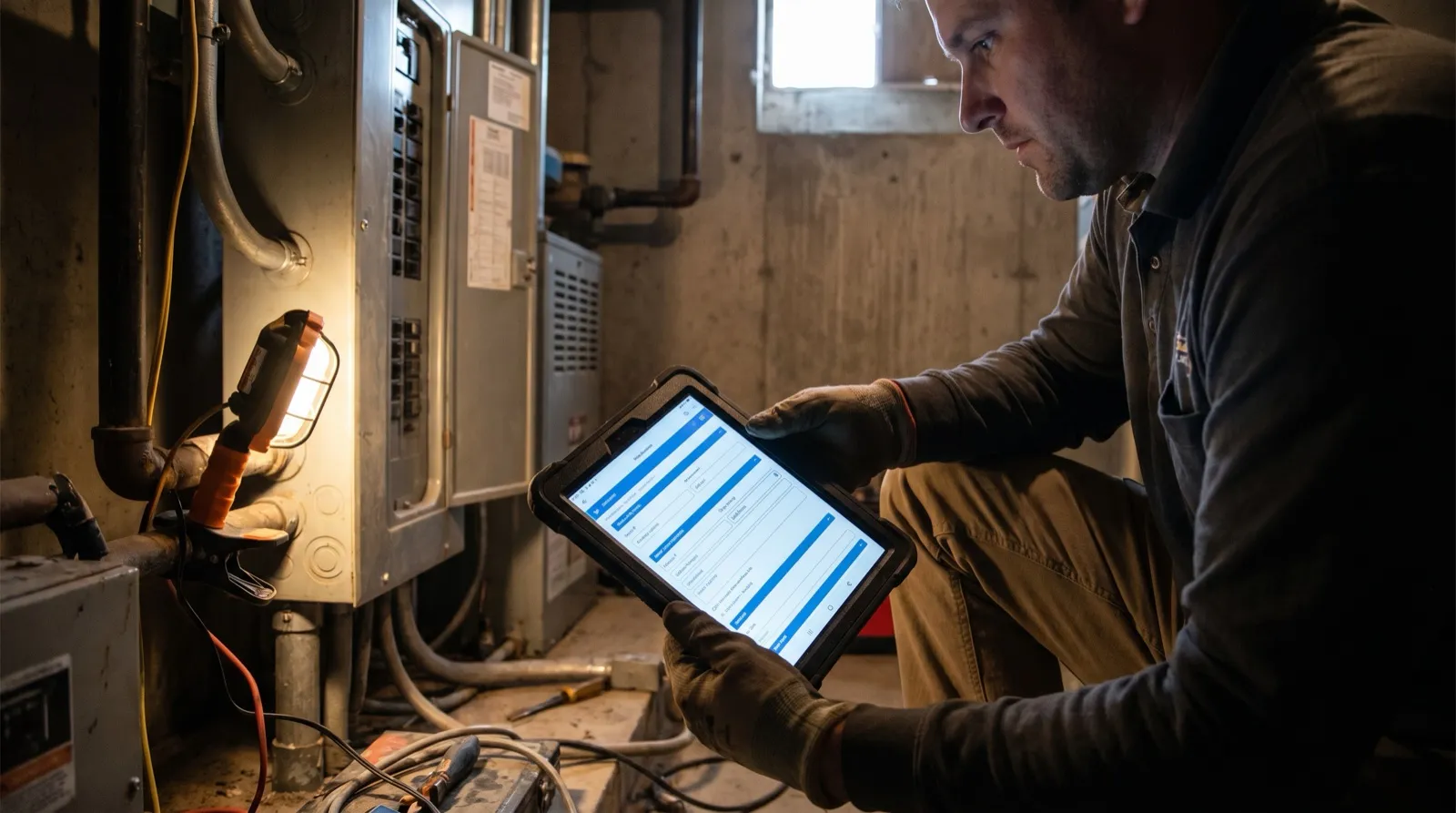
There’s a particular kind of silence that hits a field technician mid-job. Not the peaceful kind. The kind where the app spins, the bars disappear, and the whole digital workflow the office swore would “change everything” is now just a loading screen mocking you from a concrete basement or a rural job site forty minutes from the nearest cell tower.
The software worked great in the demo. The demo was in a conference room with Wi-Fi.
This is the story behind the mobile-first vs. offline-first debate — and it’s a distinction that most field-services software vendors would really prefer you didn’t think too hard about.
”Mobile-First” Means the Phone Is the Screen. That’s It.
Mobile-first is a design philosophy. It means the software was built to look and feel good on a smartphone — responsive layout, large touch targets, clean navigation. That’s genuinely useful. Nobody wants to pinch-and-zoom a form designed for a 27-inch monitor while wearing work gloves.
But mobile-first says nothing about what happens when the signal dies.
A mobile-first app can still require a live internet connection to load a form, save a record, or capture a signature. The interface is optimized for a small screen; the architecture still assumes a data center is always one bar away. For crews working in office parks and suburban neighborhoods with solid LTE, that’s fine. For crews doing inspections inside steel structures, crawling basements, or working rural service routes — it’s a liability.
Mobile-first tells you what the screen looks like. Offline-first tells you what happens when the world stops cooperating.
Offline-First Is an Architecture Decision, Not a Feature
Offline-first means the app was engineered from the ground up to treat connectivity as optional rather than assumed. Work happens locally — on the device — and syncs to the server when a connection is available.
This is a fundamentally different approach to building software. It’s not a toggle the vendor flipped. It requires data to live on the device, conflict resolution logic for when multiple people sync changes, and a sync layer that’s smart enough to handle partial connectivity without corrupting records.
The practical difference shows up in moments like these:
You open a form in a basement.
Mobile-first app: spins, times out, or throws an error. Offline-first app: opens instantly because the form is already on the device.
A tech captures photos and a signature on-site.
Mobile-first app: may queue them locally, may not — depends on the implementation. Offline-first app: captures everything locally, queues for sync, never loses the record.
The crew drives through a dead zone between stops.
Mobile-first app: any background saves fail silently. Offline-first app: nothing was being sent to a server anyway — data stays intact.
The Demo Problem
Here’s why this distinction gets glossed over so often: software demos almost never happen in the field.
A vendor shows you the app on a laptop in a meeting room. Or over Zoom with screen-share. The Wi-Fi is strong, the demo data loads instantly, and everything feels fast. Nobody runs the demo from inside a commercial refrigeration unit or a two-bar rural property.
When you ask “does it work offline?” the honest answer from a mobile-first vendor is usually something like “it has offline capabilities” or “you can cache certain data.” These phrases are doing heavy lifting. Caching certain data is not the same as full offline functionality. A form that loads offline but can’t save offline is not an offline form.
What Field-Service Crews Actually Need
The job doesn’t pause for connectivity. An HVAC tech who finds a failed capacitor needs to document it, get a signature, and move to the next call — not wait for the parking lot to have two bars.
What a real offline-first workflow looks like for a field crew:
- Forms pre-load to the device before the crew leaves the shop. Not cached headers — the complete, fillable custom form with all its logic, required fields, and validation.
- All data entry happens locally. Text, dropdowns, photos, sketches, signatures — everything writes to the device first.
- Sync happens in the background when connectivity returns — at the next stop, back at the shop, or automatically overnight. The tech never has to think about it.
- The office sees completed documents when the sync resolves, with timestamps and all captured data intact.
This is the workflow naturalForms was built around. The offline mobility features aren’t a bolt-on — they’re the foundation, because field-service work happens where the signal is weakest.
How to Evaluate Any Field-Service App
Before committing to a platform, run these tests in your actual environment — not in a demo room:
1. Airplane mode test. Put the device in airplane mode. Open the app. Try to open a job form. Can you? Can you fill it out completely? Can you capture a photo? Can you submit it? If any of those steps fail, you have a mobile-first app with limited offline capability, not an offline-first app.
2. The dead-zone route test. Have a tech run a normal day with the app, including routes through areas you know have poor coverage. Check the completed documents at end of day. Are any records missing? Any photos lost? Any signatures that didn’t save?
3. The “what happened?” test. Ask the tech if they noticed any problems. If they did — error messages, spinning wheels, having to redo entries — that friction is real and it compounds across every job, every day, every crew member.
4. The sync latency test. After the tech returns to coverage, how long before the completed documents appear in the office view? Minutes is fine. Hours is a sign the sync architecture isn’t built for volume.
The Real Cost of Getting This Wrong
Picking a mobile-first tool when you need offline-first doesn’t just create frustration. It creates gaps in documentation — jobs that appear complete in the field but have missing records in the system. It creates the workaround problem: techs taking photos on their personal phones, filling out paper forms as backup, re-entering data at the end of the day. Every workaround is time the job costs more than it should.
It also creates a compliance risk for any operation where documentation has regulatory or legal weight — inspections, safety checks, service confirmations that need a signature.
The irony is that offline-first software actually makes mobile-first software better. When data entry is reliable regardless of connectivity, the mobile experience feels faster and more trustworthy — because it is. Nothing ruins a clean mobile UI faster than a spinner that never resolves.
Frequently Asked Questions
-
What's the difference between offline-first and offline-capable?
- "Offline-capable" usually means an app can perform some functions without connectivity — often loading cached data or queuing limited actions. "Offline-first" means the app was architected so that all core functions work without connectivity, with sync treated as a background process rather than a requirement. The difference matters most in complex workflows: capturing photos, running conditional form logic, and saving signatures all need to work offline, not just basic data viewing.
-
Can a mobile-first app be updated to be offline-first?
- It's technically possible but practically expensive — it's closer to a rebuild than an update. Offline-first architecture requires a local data layer, a sync engine, and conflict-resolution logic that most mobile-first apps weren't designed around. Vendors sometimes add limited offline features to a mobile-first app, but the result is usually "offline-capable" rather than true offline-first.
-
Does offline-first software work the same way in the office?
- Yes — and that's part of what makes it practical. Office staff see completed documents as soon as the field crew syncs. The form data, photos, and signatures are all there. The experience from the office side is identical whether the tech submitted with full LTE or synced from a dead zone an hour later.
-
What kinds of field-service work most need offline-first?
- Any work that takes place in environments with unreliable connectivity: basement and crawlspace inspections, commercial refrigeration and HVAC work inside large structures, rural service routes, oil and gas field operations, government facility inspections, and construction sites where the building itself blocks signal. If your crew regularly loses connectivity during a job, offline-first is essential, not optional.
-
Does offline-first affect how custom forms are built?
- With naturalForms, no — custom forms are built the same way whether they're used online or offline. The offline behavior is handled at the infrastructure level, not the form level. That means the person building the form doesn't need to think about connectivity, and the crew in the field doesn't need a different form for different environments.
-
How do I know if my current software is truly offline-first?
- Run the airplane mode test described above: put the device in airplane mode, open the app, and try to complete a full job — open a form, fill it out, capture a photo, get a signature, and submit. If any step fails or requires connectivity, your current software is not offline-first. The sync should resolve automatically when connectivity returns, with no manual action required from the tech.
-
Is offline-first the same as a native app vs. a web app?
- Not necessarily. A native app can still require connectivity for core functions. A well-built progressive web app can have offline-first capabilities. The architecture matters more than whether it's native or web-based — what you're looking for is a local data store on the device and a reliable sync layer, regardless of how the app is packaged.