How to Capture Customer Signatures in the Field
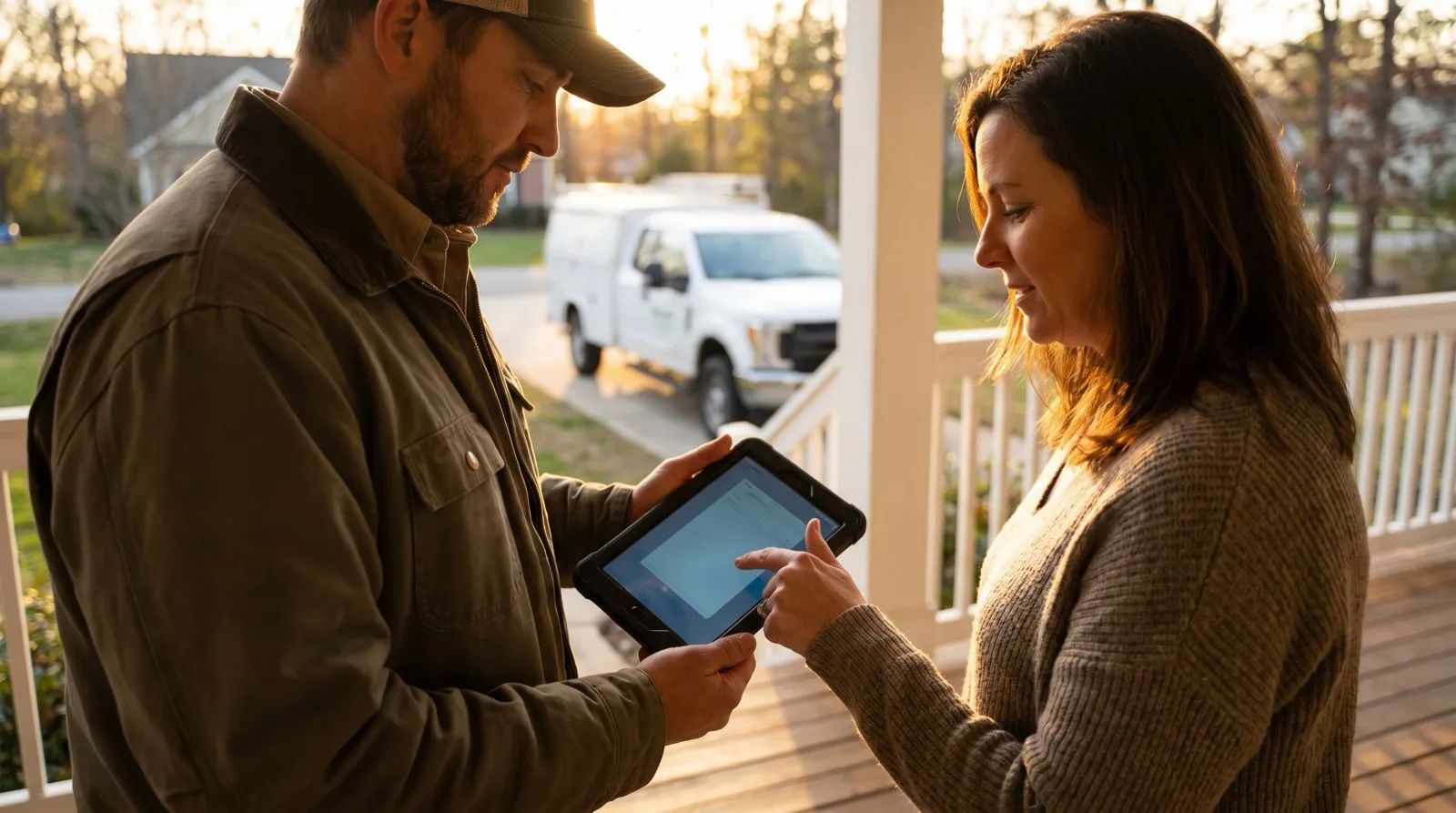
The job is done. The homeowner is standing in the driveway, ready to sign off so your crew can pack up and get to the next call. This is the best possible moment to close the paperwork — the customer is right there, satisfied, and willing. And it’s exactly the moment a lot of field-service software makes harder than it needs to be.
Capturing a customer signature in the field sounds simple, and it should be. But two things have to be true for it to actually work: the signature has to be legally binding, and it has to be reliable — meaning it happens on the spot, survives a dead zone, and lands back at the office without anyone re-typing a thing. Miss either one and you’re back to chasing paper.
Here’s how to get both right.
”Legally binding” is the part people worry about — and it’s already solved
The most common question about field signatures is whether they’ll hold up. They will, as long as you capture the right supporting record.
In the US, electronic signatures are governed by the ESIGN Act and UETA. Neither one cares whether the signature was made with a pen or a fingertip. What they care about is intent and evidence: the signer meant to sign, they agreed to sign electronically, and there’s a record tying that signature to that document and that person.
The signature image isn't what makes it binding. The audit trail behind it is — who signed, on what device, and when.
That’s the piece to get right. A signature scribbled onto a PDF with no record behind it is weaker than a field signature captured with a full audit trail. With naturalForms, every signature is stored with a timestamp, the device, and the signer’s identity, attached to the completed document. If a customer ever disputes a service authorization or a completion sign-off, that trail is what backs you up. You can see how the compliance side works on the eSignature features page.
”Reliable” is the part that actually trips crews up
Legality is a solved problem. Reliability in the field is where tools quietly fail.
A signature is only useful if you can actually capture it where the work happens — a crawl space, a rooftop, a rural property forty minutes from the nearest tower. If your signing flow needs a live connection to load the form or save the signature, then the driveway with two bars of LTE becomes the thing standing between you and a closed job.
The fix is capturing the signature on the device, not in the cloud:
The crew fills out the form on-site
The custom form — prefilled with the job details — is already on the device. No spinner, no waiting for a server. The tech works through it as the job wraps up.
The customer signs on the device, right there
The customer signs directly on the crew member’s phone or tablet — no app to download, no account to create, no link to wait for. The signature attaches to the completed document, not a separate file.
It syncs back on its own
Nothing was being sent to a server at signing time, so a dead zone never interrupts it. When the device is back in range, the signed document syncs automatically — into the office and the connected job system, attached to the right job.
Because the signature lives on the device until it can sync, the connection status simply doesn’t matter. The signature happened at the right time; the internet catches up later. That’s the difference between a tool that works in the demo and one that works on the truck. (If you want the deeper version of why architecture beats a mobile app here, see offline-first vs. mobile-first.)
On-site or remote — you’ll need both
Most jobs close best with an on-site signature. But not every customer is standing in the driveway when the work is done — sometimes the property manager is off-site, or the customer wants to review before signing.
For those, you send the completed form by email with Send to Sign. The customer signs remotely from the link, no account required, and the signature lands on the same completed document with the same audit trail. Same record, same compliance, just captured on their schedule. That flow lives on the remote signing page.
The point is that on-site and remote aren’t two different systems — they’re two paths to the same signed document. A field crew needs both without switching tools.
What to look for when you evaluate
If you’re weighing options for field signature capture, three questions separate the real tools from the rest:
- Does it capture the signature offline? Not “cache some data” — can the customer actually sign, and does that signature save, with zero connectivity? If not, it’s a liability on any job without solid signal.
- Is there an audit trail on every signature? Timestamp, device, signer identity, tied to the document. This is what makes it defensible, not just the signature graphic.
- Does the signed document land where it needs to, automatically? A signature that saves to a folder nobody checks isn’t done. It should sync to the office and the job record without anyone carrying paper back.
Get those three right and the driveway signature stops being a friction point and goes back to being the easy, satisfying end of the job it should be.
Frequently Asked Questions
-
Are signatures captured in the field legally binding?
- Yes. A signature captured on a device meets the requirements of the US ESIGN Act and UETA as long as you capture the supporting trail — who signed, on what device, and when. naturalForms records that audit trail automatically on every signature, so the completed document holds up the same as ink on paper.
-
What makes an electronic signature hold up legally?
- Three things: the signer intended to sign, they consented to sign electronically, and there's a record tying the signature to the document and the signer. The signature image itself isn't the important part — the audit trail behind it is (timestamp, device, signer identity, and the document it was applied to).
-
Can a customer sign without a cell signal?
- Yes — this is where a lot of tools fall down. With naturalForms the form and the signature are captured on the device, offline. Nothing is sent to a server at signing time, so a dead zone doesn't stop the job. The signed document syncs automatically when the device is back in range.
-
Does the customer need an app or an account to sign?
- No. On-site, the customer signs directly on the crew member's device — no app, no login, no waiting. If they need to sign later or aren't on-site, you send the form by email with Send to Sign and they sign from the link without creating an account.
-
What's the difference between signing on-site and sending for signature?
- On-site, the customer signs on your crew's device the moment the work is done — the fastest path, and it works offline. Send to Sign emails the completed form to the customer to sign remotely, for when they aren't there or want to review first. Both attach the signature to the same completed document with the same audit trail.
-
Where does the signed document go after the customer signs?
- Straight into the record. The completed document — field data, photos, and signature — syncs back to the office and into your connected job system automatically, attached to the right job. No one carries a clipboard back to a scanner or re-types anything.
-
Is a signed PDF enough, or do I need a full audit trail?
- For most field-service agreements you want the audit trail, not just a signed PDF. If a customer ever disputes a service authorization or a completion sign-off, the trail (timestamp, device, signer) is what backs you up. naturalForms keeps it on every signed document by default.